> For the complete documentation index, see [llms.txt](https://docs.tread.fi/llms.txt). Markdown versions of documentation pages are available by appending `.md` to page URLs; this page is available as [Markdown](https://docs.tread.fi/order-tracking-and-portfolio-management/manage-order.md).
# Manage Order
### Manage Order
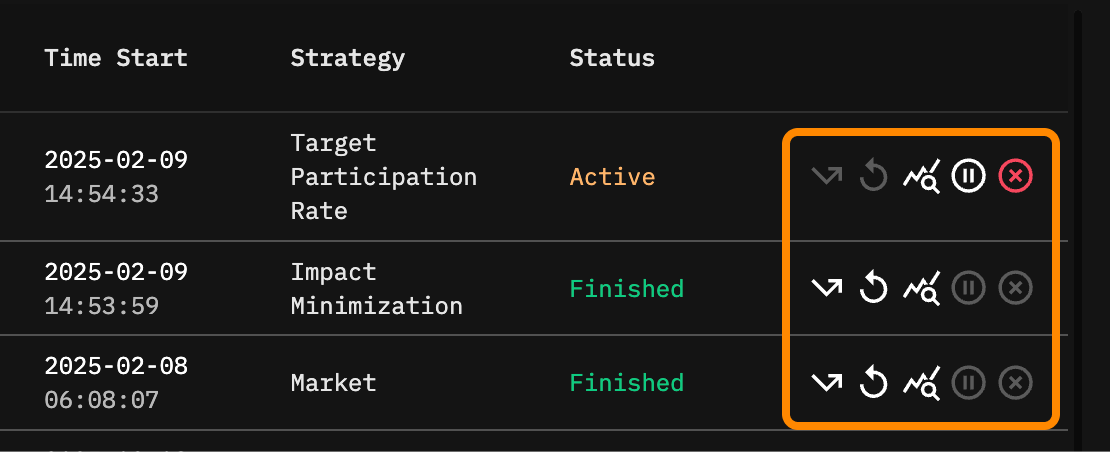
Manage Order in Order Management
From the Order History table, traders can also take the following actions on each orders:
* [Pause](/order-tracking-and-portfolio-management/manage-order/pause-order.md): Temporarily halt execution of an active order. (Only available for active orders)
* [Resubmit Order](/order-tracking-and-portfolio-management/manage-order/resubmit-order.md): Submit a new order identical to the original order, with the same target quantity.
* [Resubmit Remaining Order](/order-tracking-and-portfolio-management/manage-order/resubmit-order.md): Submit a new order using the same configuration, but with the quantity set to the unfilled portion of the original order. (Only available for incomplete orders)
* [Cancel](/order-tracking-and-portfolio-management/manage-order/cancel-order.md): Terminate an active order before completion. (Only available for active orders)
### Viewing Order Details
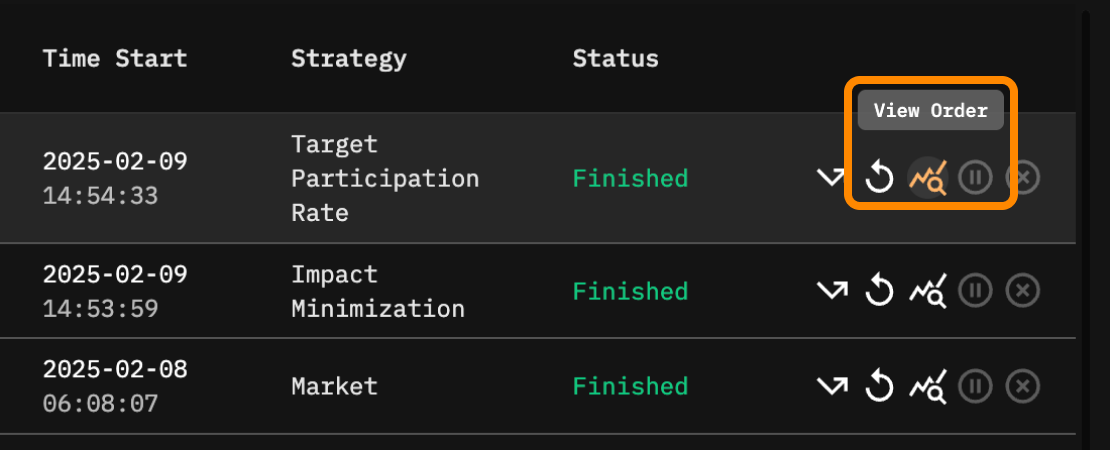
Clicking on view order in the manage order section brings up a [detailed order viewer](/order-tracking-and-portfolio-management/real-time-algo-order-tracking.md), displaying a breakdown of individual executions, price movements, and strategy performance. For multi-leg trades, child orders are displayed in this table, while the parent order structure remains accessible through the Multi-Order Viewer.