> For the complete documentation index, see [llms.txt](https://docs.tread.fi/llms.txt). Markdown versions of documentation pages are available by appending `.md` to page URLs; this page is available as [Markdown](https://docs.tread.fi/creating-and-submitting-orders/advanced-settings/order-templates.md).
# Order Templates
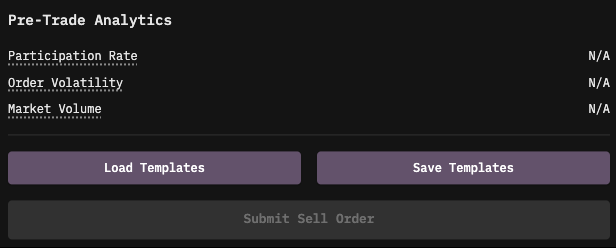
The Save Templates and Load Templates features allow traders to store and reuse pre-configured order settings, reducing the need for repetitive manual input.
### Saving a Template
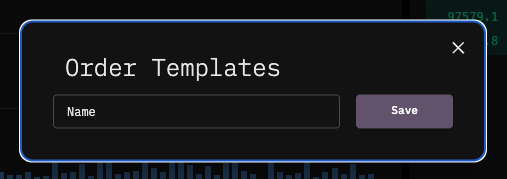
* Click Save Templates at the bottom of the order form to name and store the current configuration.
* The template will save all relevant details, including:
* Selected Account(s)
* Trading Pair
* Quantity
* Strategy/Advanced Settings
* Once saved, the template can be quickly applied to future trades, ensuring consistency and efficiency.
### Loading a Template
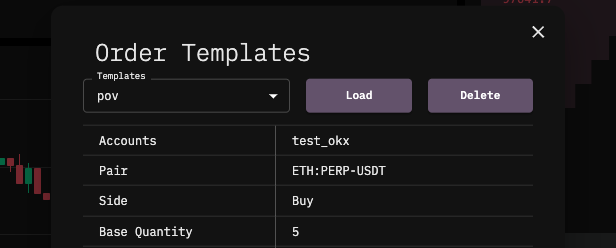
* Click Load Templates to access previously saved configurations.
* Select a saved template to instantly populate the order form with its settings.
* You can also delete templates that are no longer needed.
For example, if you frequently execute "Buy 100 ETH on Binance at 1% participation rate," you can save this setup and reload it instantly when placing similar trades in the future.