> For the complete documentation index, see [llms.txt](https://docs.tread.fi/llms.txt). Markdown versions of documentation pages are available by appending `.md` to page URLs; this page is available as [Markdown](https://docs.tread.fi/creating-and-submitting-orders/advanced-settings/dynamic-limit-price.md).
# Dynamic Limit Price
Dynamic Limit Price allows you to set limit orders that automatically adjust based on real-time market conditions. Instead of using a static limit price, this feature recalculates the limit price approximately every five seconds, ensuring that orders remain aligned with market movements.
### How It Works
Traders can configure a Dynamic Limit Price using two modes: Pair Offset and Custom.
{% tabs %}
{% tab title="Pair Offset" %}
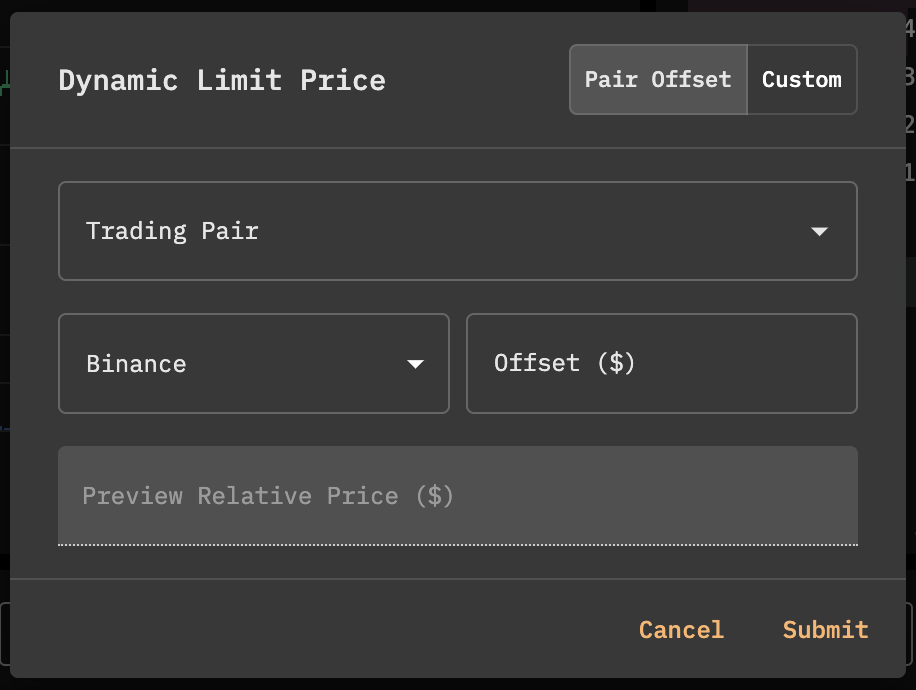
Pair Offset
* This mode sets the limit price relative to another trading pair on any venue.
* It is particularly useful for some arbitrage strategies, ensuring orders are placed only when a favorable price discrepancy exists.
* The Offset field allows traders to set a positive or negative price adjustment.
* The calculated dynamic limit price is displayed in the preview box and updates automatically every five seconds.
{% endtab %}
{% tab title="Custom Offset" %}
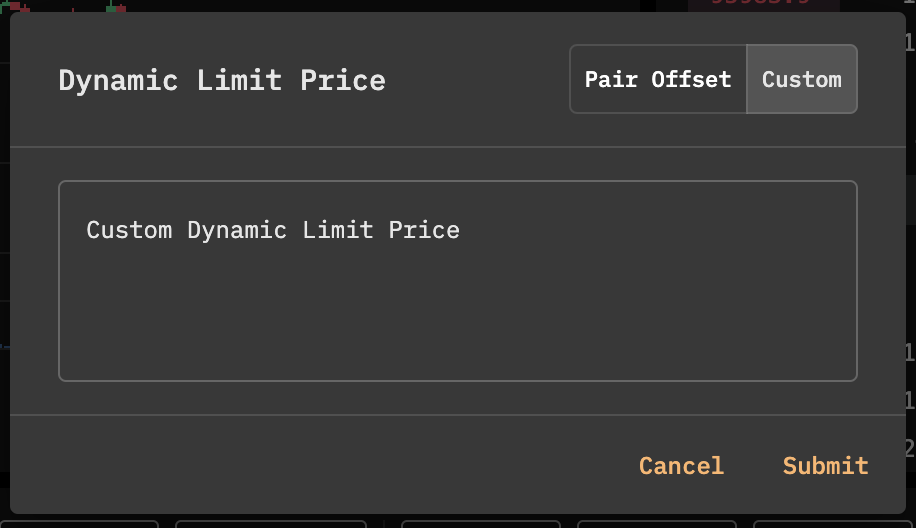
Custom Offset
* This mode allows traders to define a **custom pricing logic** that adjusts dynamically based on their specific criteria.
* Syntax and capabilities are aligned with [conditional orders](/creating-and-submitting-orders/advanced-settings/order-conditions.md) (without variable tracking).
* This provides additional flexibility, allowing traders to fine-tune execution conditions beyond standard pair-based offsets.
{% endtab %}
{% endtabs %}
This feature is particularly valuable for traders engaging in algorithmic execution and spread trades where precise limit order placement is critical. By leveraging Dynamic Limit Price, traders can improve execution quality while maintaining greater control over price-sensitive trades.